
Mobile Controls and Tips
Mobile CRAZY CHEFS guide — touch controls, survival tips, and optimization for phones and tablets.
Playing CRAZY CHEFS on mobile
CRAZY CHEFS runs fully on smartphones and tablets through the Roblox app. Touch controls use a virtual joystick for movement and action buttons for jump and interact. Camera control requires right-side screen swipes — essential for Food players checking behind them during sprints.
Mobile naturally favors Food due to fluid joystick direction changes. Chef on mobile demands more practice but remains viable, especially with Chopping Knife gamepass extending capture forgiveness.
Touch control tips
Resize the joystick in Roblox settings for comfortable thumb reach. Try claw grip — index finger on action buttons, thumb on joystick — to jump and sprint without releasing movement. Tablets offer larger visual field; phones demand tighter camera discipline.
Food mobile: diagonal joystick swipes for sharp turns. Chef mobile: approach Food from the side, not head-on, compensating for touch imprecision.
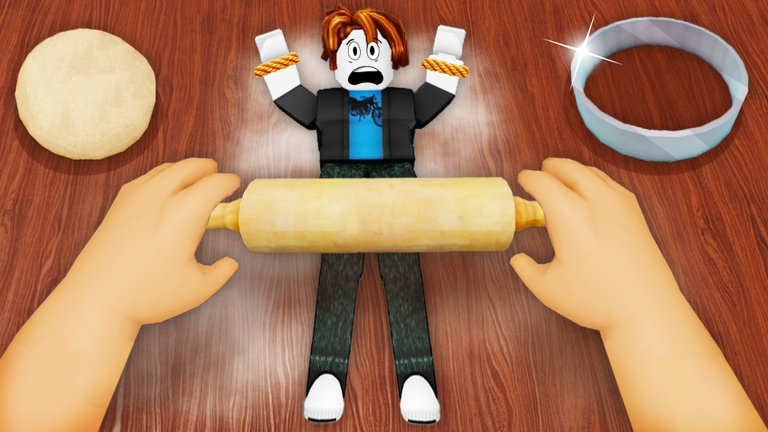
Video demonstrates similar chase-and-cook mechanics found in CRAZY CHEFS and related Roblox kitchen games.
Connection and performance
Use stable Wi-Fi during chases — lag loses captures and escapes equally. Close background apps to free RAM. Lower Roblox graphics quality on older devices if you experience stutter.
The video below shows mobile Roblox chase gameplay similar to CRAZY CHEFS Food sessions.
Frequently Asked Questions
Mobile or PC for CRAZY CHEFS?
PC for Chef precision, mobile for Food joystick fluidity. Both work well.
How to adjust the joystick?
Roblox Settings → Controls → virtual joystick size and position.
Does mobile lag affect captures?
Yes. Stable connection is critical for competitive chases.
Do gamepasses work on mobile?
Yes. All CRAZY CHEFS gamepasses activate on mobile.
Tablet or smartphone?
Tablets offer better visibility. Phones offer portability — personal preference.