
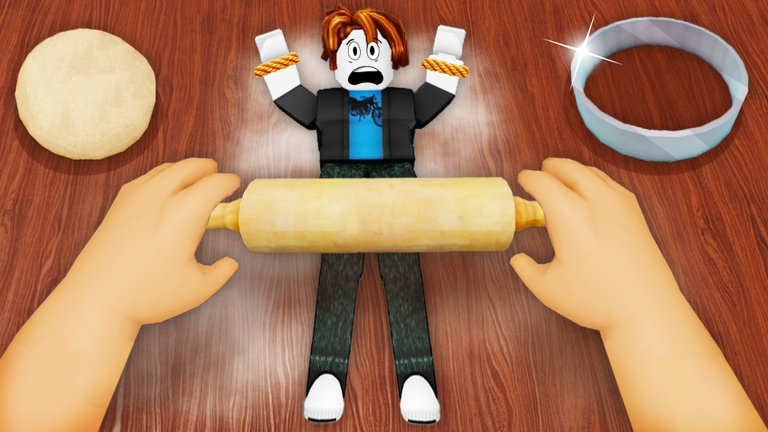
Complete Orders in CRAZY CHEFS
Guide to completing orders efficiently as Chef — routes, prioritization, and Cash maximization.
Order system overview
Orders drive CRAZY CHEFS economy. Chefs receive dish requests to prepare. Each completed order pays Cash — the primary in-game currency for progression and upgrades.
Full flow: capture Food → bring to appropriate station → interact to prepare → deliver order → collect Cash. Broken loops — captures far from needed stations, ignored order types, idle time between steps — destroy hourly earnings.
Optimizing routes
Capture Food closest to the station your active order requires. Chain same-type orders to stay at one station longer. Never cross the entire kitchen if a nearer station handles the current recipe.
Manager gamepass (249 Robux) helps organize multiple active orders. Frying Pan (199 Robux) speeds each station interaction. Both compound over full sessions.
Video demonstrates similar chase-and-cook mechanics found in CRAZY CHEFS and related Roblox kitchen games.
Order prioritization
During chaotic 8-player lobbies, prioritize fast simple orders over complex ones. Save complex recipes for calm moments. If a Food player is impossible to catch quickly, switch targets rather than wasting minutes on one chase.
The video below shows preparation chaos similar to busy CRAZY CHEFS order sessions.
Frequently Asked Questions
How much Cash per order?
Varies by order type. Complex dishes pay more but take longer.
Can I skip an order?
Yes. Ignore difficult orders and take manageable ones instead.
Can multiple Chefs share orders?
Yes. Coordinate on busy servers to avoid station bottlenecks.
Does Manager speed up orders?
Yes. It improves organization and multi-order processing speed.
Best station strategy?
Capture near the station you need. See our Cooking Stations map.